
Live now · Developer tool
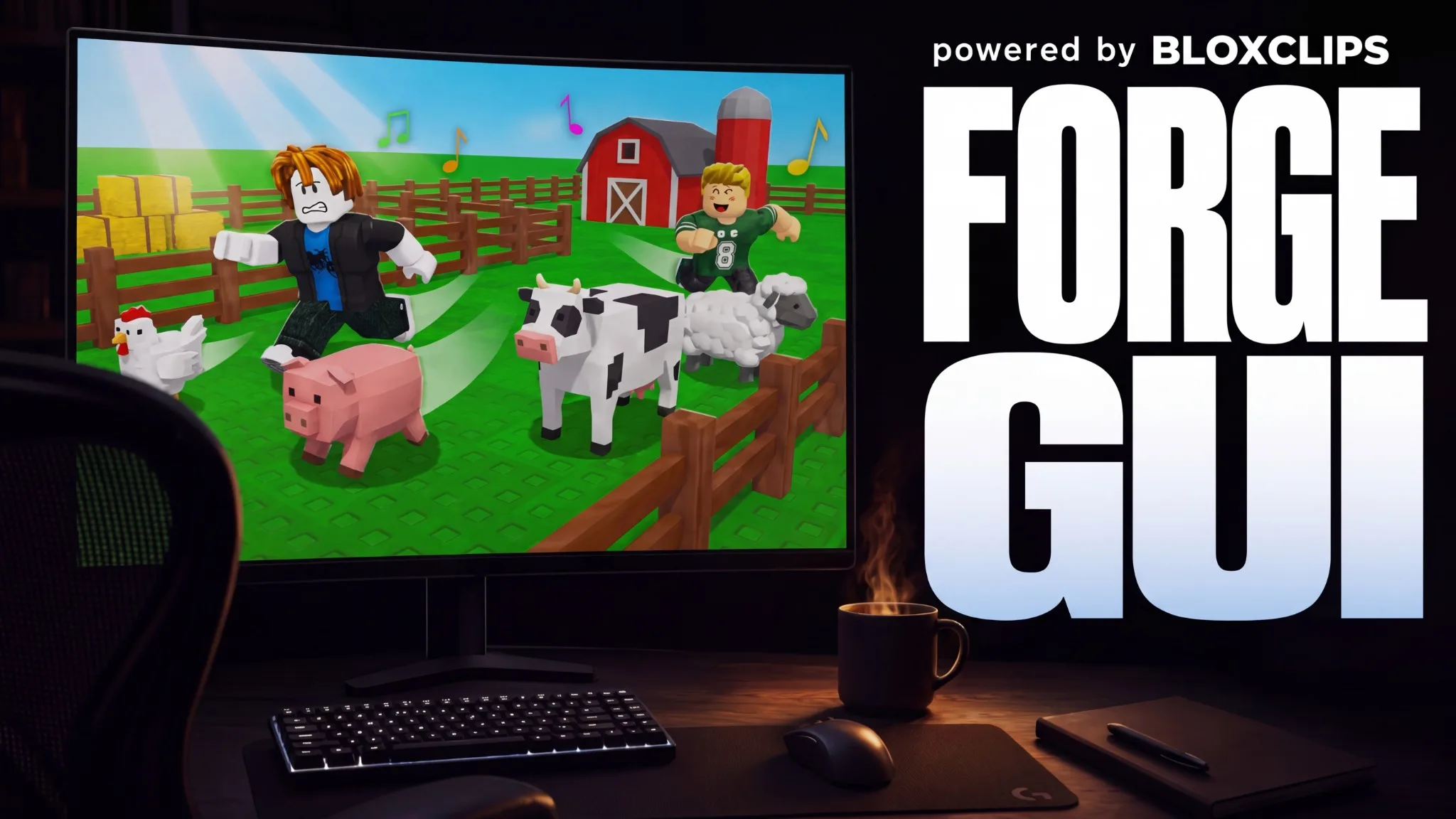
ForgeGUI clipping campaigns
BloxClips is running 4 campaigns for ForgeGUI. Creators post clips on their own accounts on Instagram Reels, TikTok and YouTube Shorts, and get paid through Whop for approved views.
Live campaigns
ForgeGUI: Showcase clipping
Cut the ForgeGUI footage into short clips and post them on your account. The rate, rules and brief are on Discover once you sign up.
ForgeGUI: Basic clipping
Cut the ForgeGUI footage into short clips and post them on your account. The rate, rules and brief are on Discover once you sign up.
ForgeGUI: Faced UGC
Film your own ForgeGUI content in your style and post it on your account. The rate, rules and brief are on Discover once you sign up.
ForgeGUI: Faceless UGC
Film your own ForgeGUI content in your style and post it on your account. The rate, rules and brief are on Discover once you sign up.
How to get paid to clip ForgeGUI
Join on Discover
Sign up on Discover and open the ForgeGUI campaign to read the brief and the rules.
Post your clip
Make the clip in your own style and post it publicly on Instagram Reels, TikTok and YouTube Shorts. Then submit the link.
Get paid
A person reviews every clip. Approved views are paid through Whop, subject to the campaign rules.
More to read
Questions
How do I join the ForgeGUI campaign?
Open Discover, sign up, and pick the ForgeGUI campaign. Read the brief, post your clip on your own account, then submit the link for review.
How do I get paid?
Earn through Whop from eligible views on approved submissions, subject to campaign rules, earning periods and payout requirements.
Do I need a big following?
Creators who meet the campaign and account requirements can participate.
How is my clip reviewed?
Every submission is reviewed manually by a person, against the campaign requirements and approval process described in the brief.